Day 5 of 30. I started today thinking I'd build a "Which service do I need?" demo for a professional services case study. Pick an accountant, write some branching logic, ship a tidy little decision tree, move on.
Two hours in I realised something. We are the professional services business. We've been telling people to "come to us for a website" for years, and that line is doing about as much for us as "come to us for food" would do for a restaurant. It's true, but it's useless.
So I stopped building the demo and started building ourselves a tool.
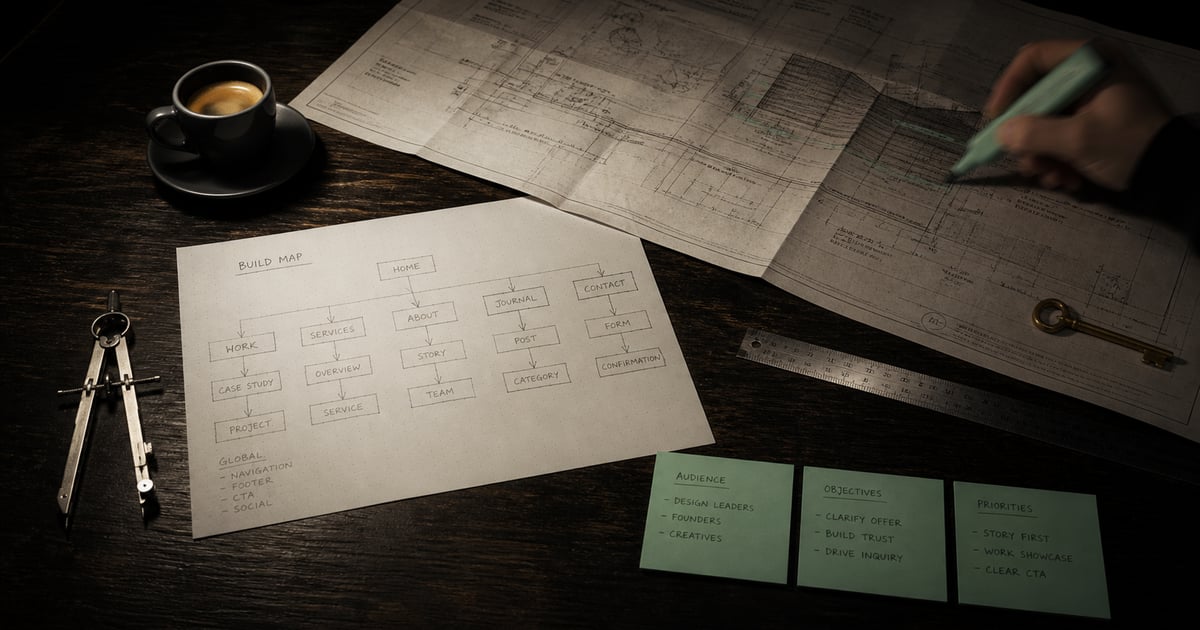
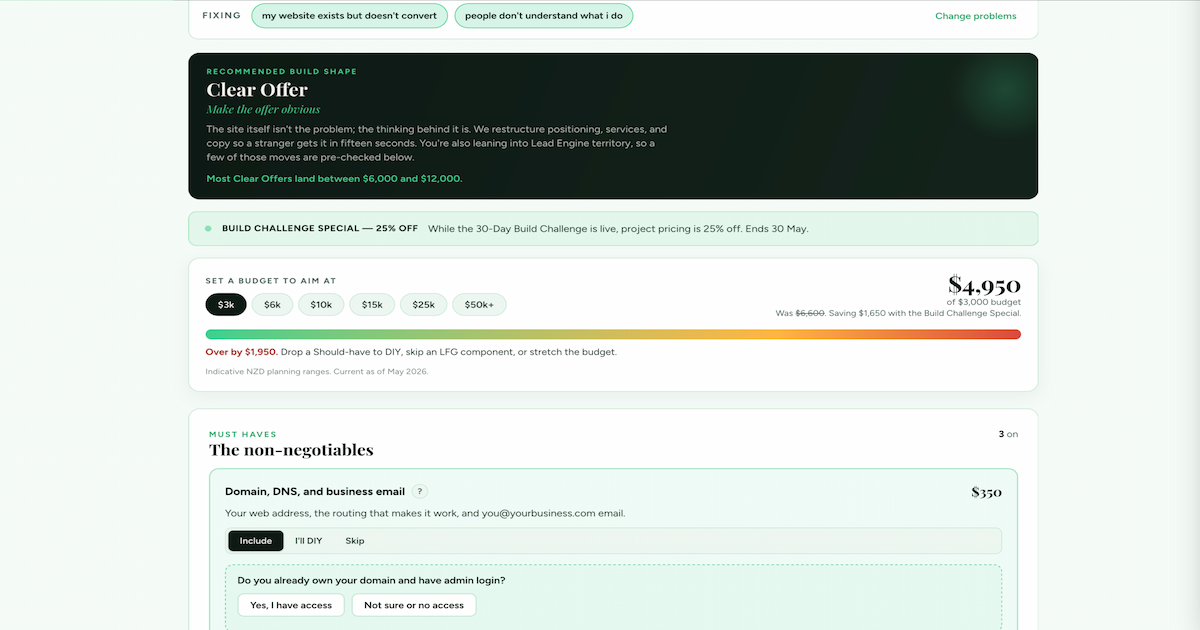
It's called the Build Map. It lives at plainblackcreative.com/build-map. You tap the problems you actually have. The tool picks one of four build shapes (Front Door, Clear Offer, Lead Engine, or Business System) and shows you the components that make it real. Done-for-you, guided DIY, or skip. Set a budget band, and the bar breathes red to amber to mint as the total moves with what you've configured.
It's a menu. A working menu, sorted by purpose. You don't order "food" off it. You order what you're actually hungry for.
What I planned vs what I built
The plan was a quiz-style demo for an accountant. Are you behind on tax? Do you have employees? Should you book a discovery call or buy a self-serve template? Three branches, ten minutes of logic, done.
What I shipped is a 22-component scope configurator with a live budget gauge, weak-point friction questions, three DIY swap states, hybrid build shapes when problems span two categories, an "other" picker that requires a textarea before you can submit, and a "lock it in" CTA next to the standard email-me-the-Build-Map button.
That's not "good scope discipline." That's the opposite. But the second I realised the pattern, the menu metaphor, the website-as-food problem, I couldn't stop pulling threads.
Why this is the tool we needed
Most service businesses present their offer as a list. "We do branding. We do websites. We do marketing." Customers stare at it like a menu in a language they don't speak.
The Build Map flips it. The customer doesn't pick a service. They pick a problem. The tool maps the problem to the services that actually solve it. It shows them what's on the menu, sorted by what their actual hunger is.
That isn't a marketing trick. It's how we already think when a real client emails us. We don't sell them "a website." We figure out what they're trying to do and recommend the build shape that gets them there. The Build Map is just that conversation, rendered as a configurable thing on a public URL.
A website is easy to make. A working business asset is harder. The point of the Build Map is to make that difference visible before anyone signs anything.
What's actually working
The picker. Tap your problems, the recommended build shape appears with a planning range. Hybrid leans show up when your problems span two shapes. "You're also leaning into Business System territory, so a few of those moves are pre-checked below."
The Studio. 22 components across three tiers (Must Haves, Should Haves, LFG). Each component has a state toggle (Include, DIY, Skip). Each has a plain-English tooltip on the jargon. Some have weak-point questions that pop in when you turn the component on. Do you already own your domain? Do you have your logo as a vector file? Yes saves you a bit. No keeps the price honest.
The budget HUD. Set a budget band. Watch the bar fill. Mint while you have headroom, amber as you close in, red if we go over. The total animates with rolling digits. Every flip changes the picture.
The Build Challenge Special. While the 30-day challenge is live, project pricing is 25 percent off. Banner says so. HUD shows the discount applied. Honest urgency, not a fake markup.
What's not finished
Plenty.
Pricing is placeholder. The numbers are calibrated to research bands but they haven't survived a real client conversation yet. Every line in the code is tagged so we can revise after the challenge ends.
The "looks the same, works differently" comparison block isn't built yet. The reliability and owner-control badges aren't built yet. The brand pathway and the AI tools pathway aren't built yet. Today is just the website lens.
The email summary that gets sent to you when you submit is plain text. It should be HTML with a graphic. That's a tomorrow problem.
I ran out of day before I ran out of ideas. So this version is unfinished but live. It will be more epic in a day or two.
What's next
Day 6 is Brandon's reveal day for McIndoe Media. I'll be back on the Build Map by Day 7 to fix the things I shipped half-baked. Pricing will be deep-research-validated. The comparison cards and badges will be in. Maybe the brand pathway too.
If you tap through it now and something feels off, tell me. The whole point of building in public is that you get to see the seams.